
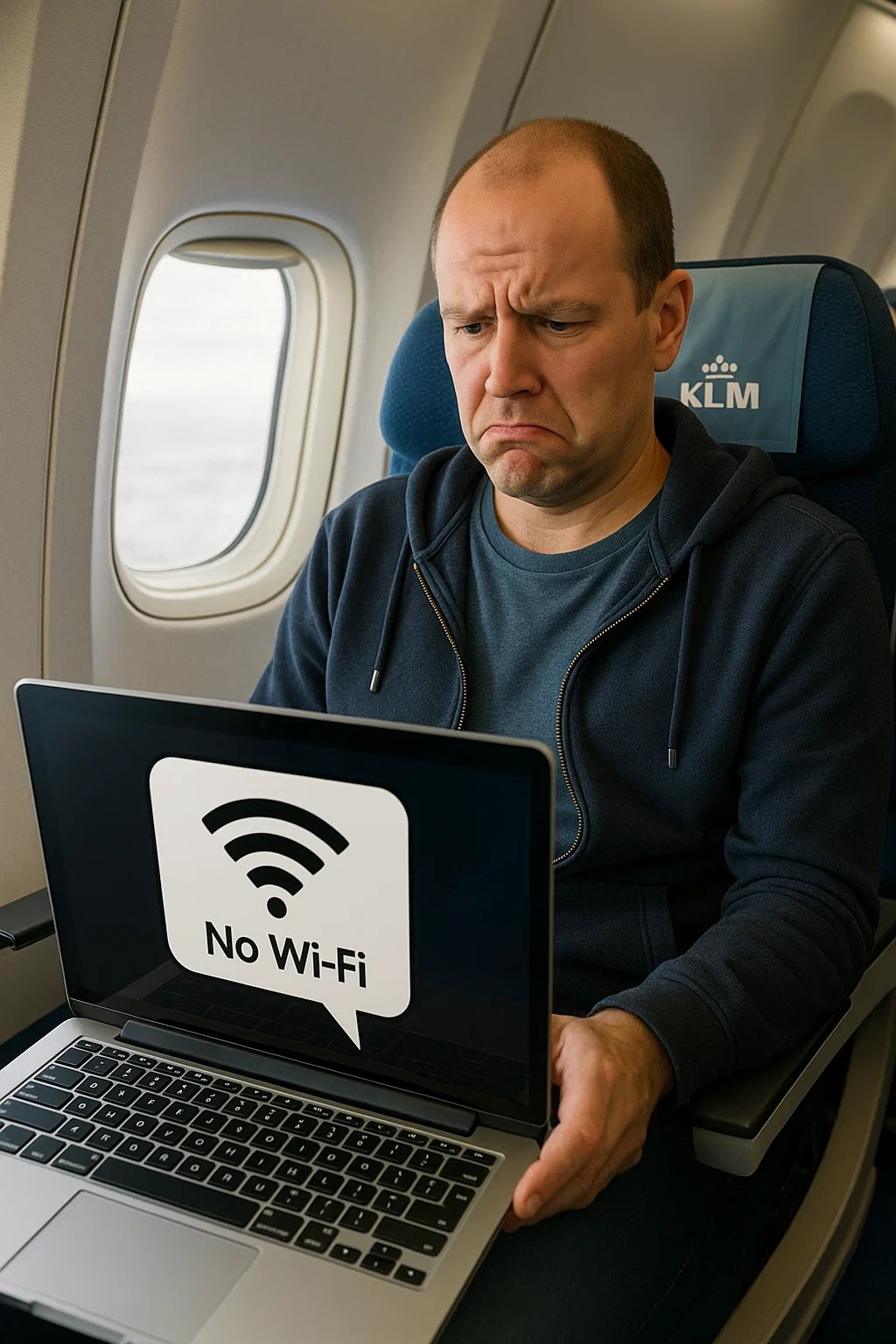
How to Request a Refund When In-Flight Wi-Fi Doesn’t Work on KLM
Recently, I flew on a KLM Boeing 787 to China. The aircraft was equipped with in-flight Wi-Fi. The free Wi-Fi worked reasonably well but is limited to apps like WhatsApp and Messenger, and access to the klm.com website. For general browsing, passengers are required to purchase a Surf Pass, which costs €22.
After purchasing the Surf Pass, I quickly discovered it didn’t work. Not a single website could be accessed. KLM has ongoing issues with its Wi-Fi service, and it’s not due to a lack of satellite coverage or an inability to connect to a satellite.
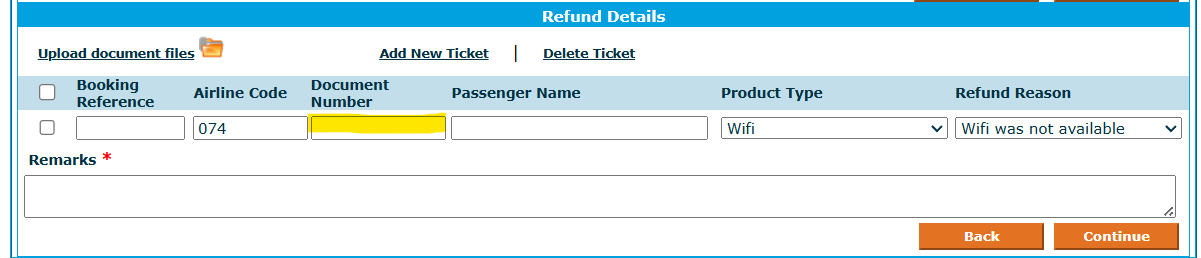
I tried requesting a refund during the flight by visiting klm.com/refund, but the site returned an error when I entered the EMD number (Electronic Miscellaneous Document) related to the purchase. The error displayed was:
The EMD number should start with 82/15/41. Kindly provide this number, or if you wish to refund your flight ticket please select Ticket Refund on the first selection screen.
I asked a flight attendant for help — she couldn’t assist. The purser onboard made a genuine effort, but all she could do was refer me to the refund page, which I had already found — and which simply showed a vague error message.
Once I was back home, I contacted a KLM Customer Experience Manager for guidance on how to claim a refund. Unfortunately, her answer was incorrect. She claimed the EMD number could be found under “My Trips” on the KLM website, which it wasn’t.
I then turned to the KLM WhatsApp chatbot, which also failed to help. After insisting on being connected to a human agent, I finally got a real person — several hours later.
And that person had the correct answer.
When a passenger purchases a Surf Pass or Stream Pass, the EMD number is sent to the email address used for the booking. That email contains the required reference number you need to enter into the refund request form on the KLM website.
Once you submit the refund request using that EMD number, KLM typically processes the refund within four business days.
✈️ KLM, Can This Be More User-Friendly?
Between the vague website error, incorrect instructions from staff, and the long delay in getting an actual answer, the process was unnecessarily frustrating. For a company that prides itself on service and digital innovation, surely this experience can be simplified and better communicated to passengers.
I asked the KLM Customer Experience Manager if she could ensure that the KLM website clearly indicates which ‘document number’ needs to be entered and where passengers can find it. However, it’s likely that KLM will do nothing with this feedback.

Literally just had this happen to me, if it wasn’t for this page – I’d have been stuck for processing my refund.